Make Cute Valentine's Pet Cards Using a Photo Editor App
Turn your dog or cat into a custom greeting card in minutes. Learn how to use a pet photo editor app to create lovely Valentine's messages for your WhatsApp contacts.
 DevForge Studio
6 min read
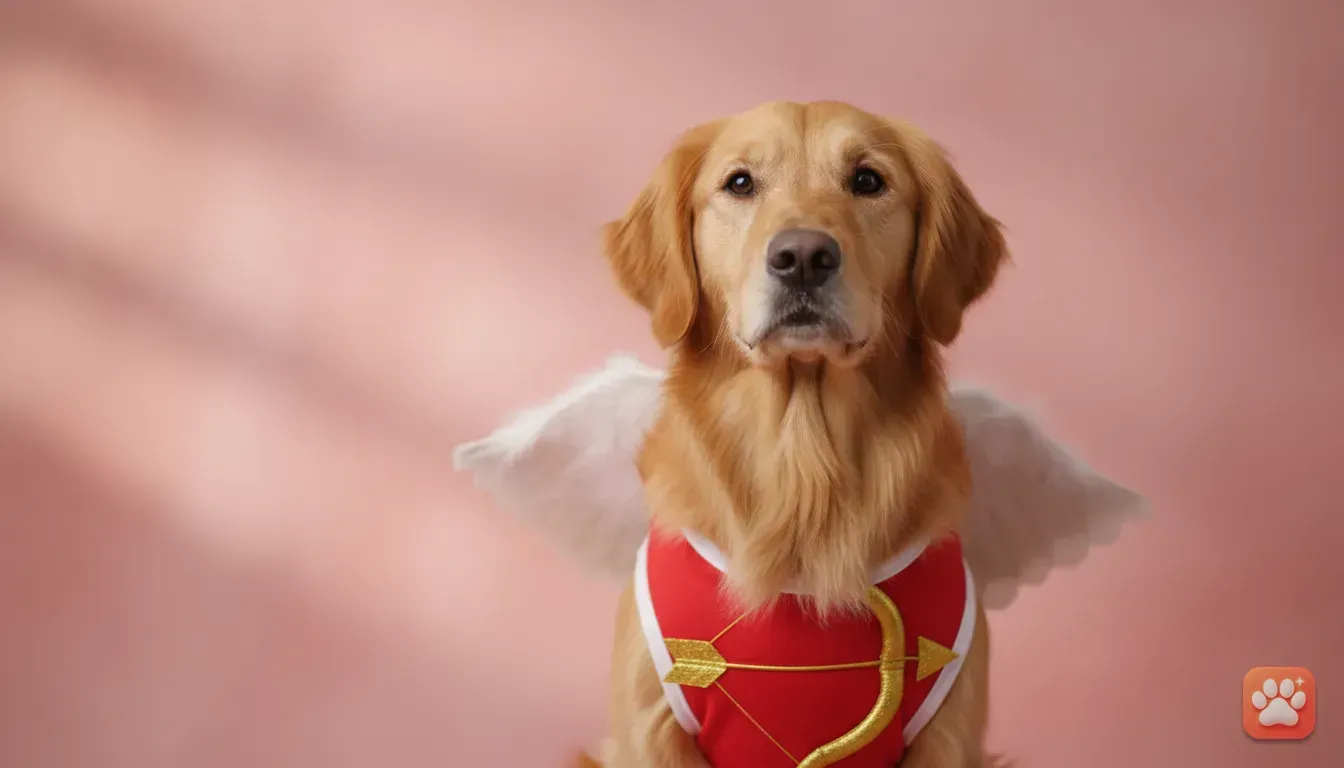
Sending a Valentine's Day greeting on WhatsApp is a nice habit, but stock images get boring fast. If you are wondering how to make cute Valentine's Day pet cards for WhatsApp using a pet photo editor app, you're in the right place. You don't need to wrestle your golden retriever into a tiny cupid costume.
Instead, you can just upload a normal picture. We've found that AI can dress them up in festive outfits without the claw marks. You'll learn how to grab a clear base photo, pick the right costume, and use WhatsApp's built-in tools to add a funny caption.
Why Digital Pet Cards Work Perfectly for WhatsApp
WhatsApp is where we actually talk to our friends. When Valentine's Day hits, group chats usually fill up with generic roses and stock hearts. Sending a custom card of your actual pet breaks that predictable pattern.
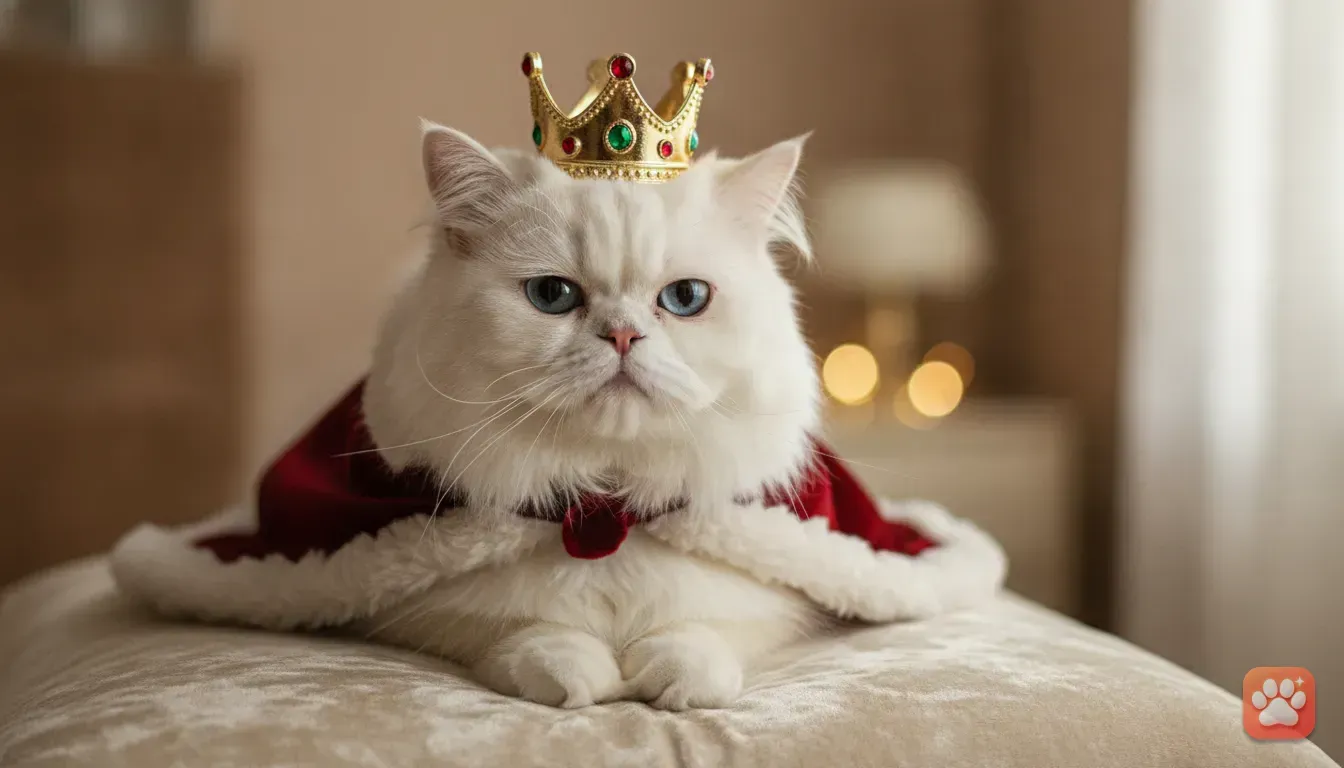
It's personal and highly recognizable. A picture of your tabby cat wearing a king's crown gets a lot more laughs than a standard digital greeting. People love seeing animals they actually know.
Digital cards cost nothing to send. You can fire off a romantic one to your partner and a silly version to your family chat. The trick is using a generator that keeps your pet looking exactly like themselves.
Choosing the Right Pet Photo Editor App
App stores are flooded with photo editors right now. Sadly, most of them fail miserably with animals. They just paste a generic dog face over a costume, losing your pet's unique spots and fur colour.
If the card is going to work, the final image must genuinely look like your pet. That is exactly why we built Furstume AI. We designed it entirely around pets.
The app analyzes your pet's specific fur pattern and facial structure. When you pick a costume, it merges their exact face with studio-quality lighting. You'll find over 100 outfits, including seasonal Valentine's Day drops.
It works beautifully for dogs, cats, rabbits and hamsters. You get your first portrait for free. Test it out right away and see the results.
Getting One Clear Photo of Your Pet at Home
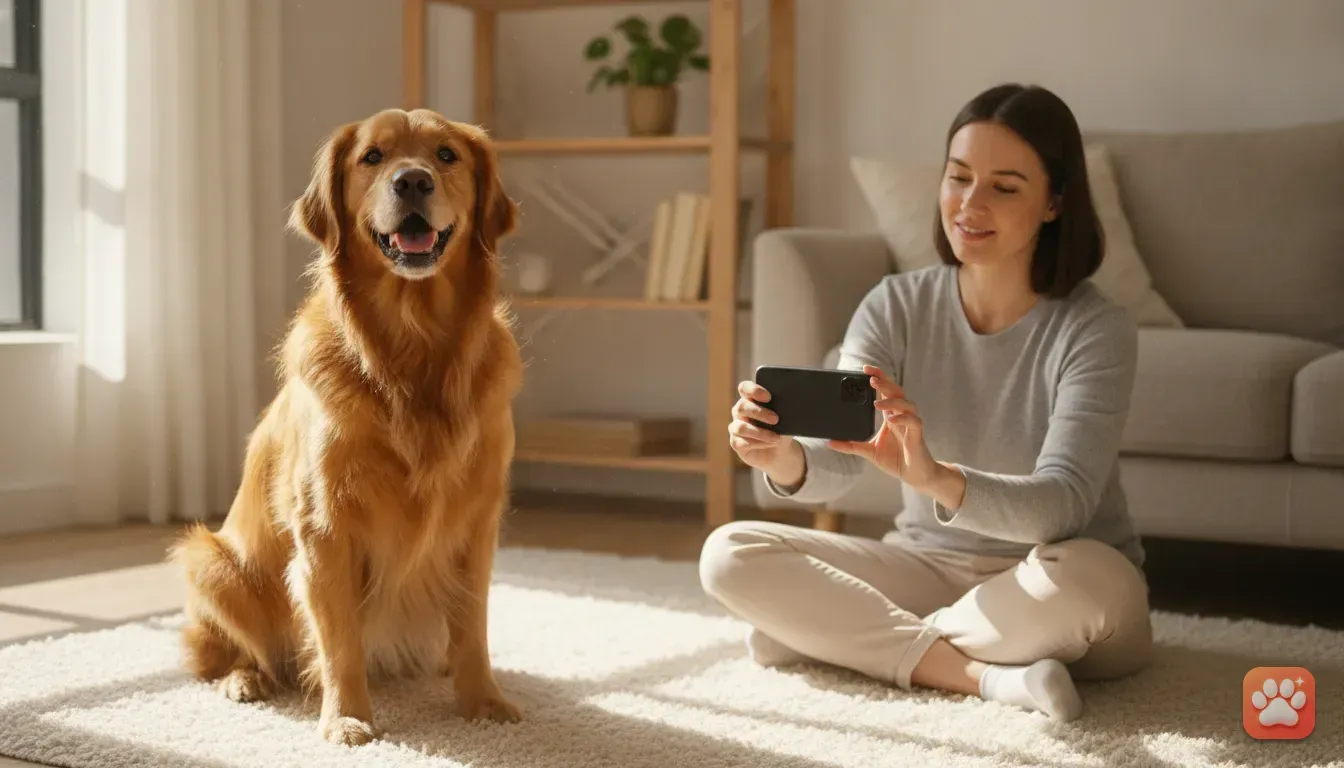
Your final WhatsApp card depends completely on your original photo. AI needs a clear view of your pet's face to map their features. You don't need a fancy camera, but you do need good lighting.
Find a spot in your house with lots of natural light. Place your pet near a large window. Never use your phone's flash, as it gives them creepy glowing eyes and creates harsh shadows.
Get down on the floor so your camera is at your pet's eye level. Photos taken from high above distort their snout. That makes it much harder for the AI to map their face.
Hold a small treat right next to your phone lens. Snap a few pictures until they look straight ahead. If your pet has a unique split-colour nose or eye patch, make sure it's clearly visible.
For more detailed advice on lighting and framing, check out our full guide on easy pet photography tips at home.
Best Valentine's Day Pet Costume Ideas
Once you have a clear photo, the fun begins. Picking a costume sets the whole mood for your card. Furstume AI has a massive library, so you aren't stuck with just one look.
Here are some excellent costume ideas that work perfectly for a Valentine's Day theme.
- The Royal Look: Turn your cat into a King or Queen. A velvet cape and a crown make for a majestic greeting.
- The Master Chef: A pet in a crisp white chef hat is incredibly cute. You can add text about baking up some love.
- The Wizard: Dress your dog in magical robes and a pointed hat. This sets you up for easy magical puns in your chat.
- The Astronaut: Sending your pet to space looks visually stunning. The detailed spacesuit works perfectly for a love you to the moon and back theme.
Need more inspiration for getting these professional results? Check out our post on how to get a studio-quality pet costume photo at home.
Common Mistakes to Avoid When Making AI Pet Cards
Even with great tools, small errors can ruin your card. We see these mistakes happen all the time. Avoid them to keep your portrait looking professional.
- Using a blurry photo: If your pet moves, the AI can't map their eyes. Always wait for them to sit entirely still.
- Multiple pets in one photo: Generators work best with one animal at a time. Don't upload a photo of two dogs together. In Furstume AI, you can add multiple pets to your profile and switch between them in one tap.
- Overcrowding with text: Don't write a giant paragraph over the photo in WhatsApp. It covers up the costume details. Put a short caption on the image itself, and type your long message in the chat box.
- Using filtered photos: The AI needs your pet's actual fur colour. Instagram filters confuse the software. Stick to raw photos taken in natural daylight.
Step-by-Step: Making Your WhatsApp Pet Card
Creating the card only takes a few minutes. Follow these exact steps to turn that fresh portrait into a ready-to-send greeting.
- Generate the portrait: Open Furstume AI and upload your photo. Pick a costume and tap generate. Save the final studio-quality image to your phone gallery.
- Open WhatsApp: Go to your chat. If you want everyone to see it, open the Status tab instead.
- Attach the image: Tap the attachment clip and select your new pet portrait.
- Add your text: Tap the 'T' icon at the top of the screen. Type your message. You can change the font style and use the colour slider on the right side to make it pop.
- Place the text carefully: Drag your text to an empty space. Don't block your pet's face. Keep it at the top or bottom of the screen.
- Add stickers: Tap the sticker icon. Search for hearts or flowers, then drag a few onto the image borders. It makes the digital file feel like a physical card.
Cute Captions for Your WhatsApp Status
A great photo needs a clever caption. Your text should match the vibe perfectly. Here are some pet-themed Valentine's captions you can type straight over the image.
- For Dogs: I chews you to be my Valentine. Sending you pugs and kisses. You are totally paw-some. I love you fur-real.
- For Cats: You are purr-fect for me. I'm smitten like a kitten. Looking good, feline good. You hold the key to my heart.
- For Rabbits or Hamsters: Some bunny loves you. You make my heart hop. I wheel-y like you.
Try to match the caption to the costume. If your cat is a King, write "Royal decree says you must be my Valentine". For a wizard dog, use "You cast a spell on my heart".
Send Your First Pet Card Today
Valentine's Day greetings should be fun. You can create something highly memorable in just five minutes. Your friends will appreciate the laugh, and you get a brilliant new photo to keep.
Grab your phone and snap a photo. Open Furstume AI to claim your first free portrait. You'll have your custom card ready to send before your morning coffee even gets cold.
Frequently asked questions
Can I make a Valentine's card with my black cat?
Yes, a high-quality pet photo editor app can capture the details of dark fur. Just ensure you take the original photo near a window so the natural lighting shows their facial features clearly.
How do I add text to my pet portrait for WhatsApp?
After saving the AI portrait to your phone gallery, open a WhatsApp chat, attach the image, and tap the 'T' icon at the top of the screen to type your message directly over the photo before sending.
Does the AI change my pet's face?
A good app like Furstume AI keeps your pet's real fur colour, pattern and markings exactly as they are. The AI only changes the costume and background, leaving your pet's unique face intact.
Are these digital cards free to make?
Your first portrait is free with Furstume AI, and you can earn more credits through daily check-ins. Sending the final image on WhatsApp costs absolutely nothing.
Try it yourself
Furstume AI
Turn your pet into Santa, a King, a Chef and 100+ costume portraits.