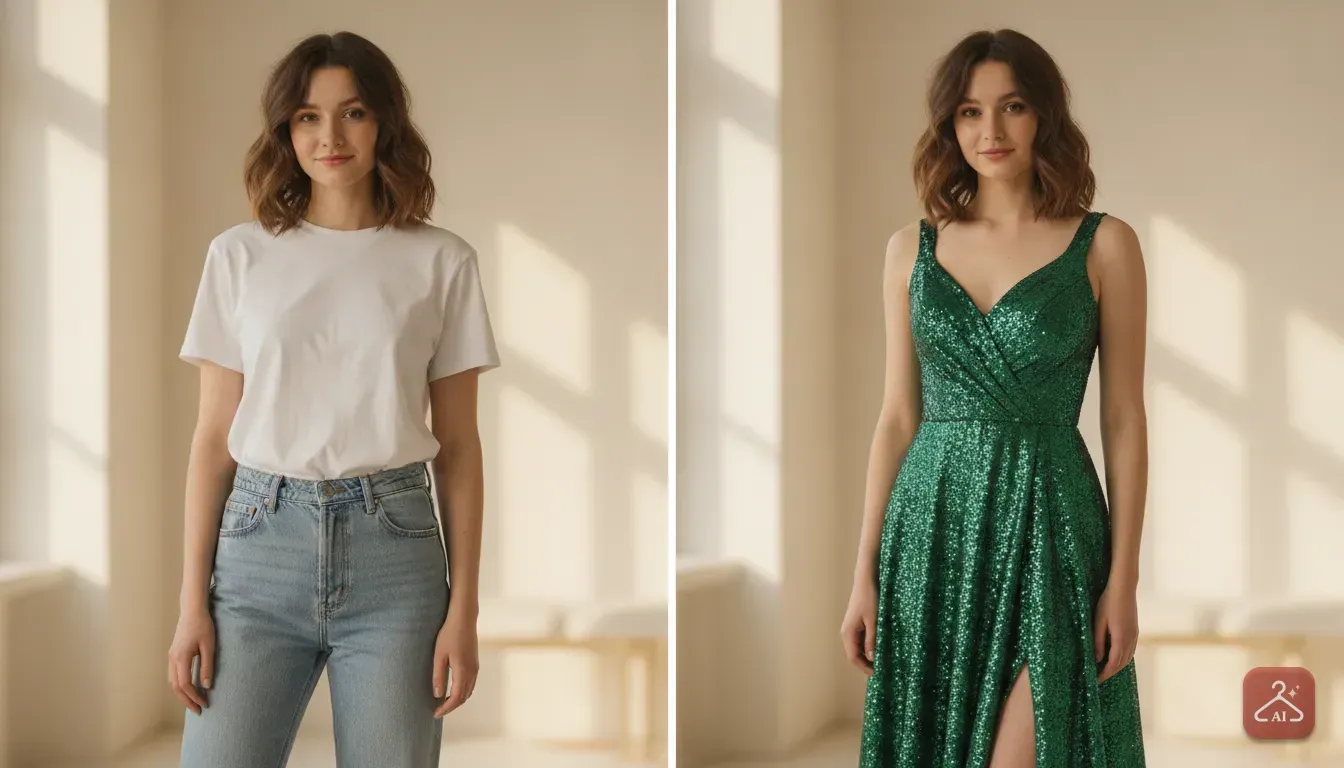
Plan Your Vacation With an AI Outfit Changer
Stop overpacking and guessing what fits. Learn how to test your holiday looks digitally before putting anything in your suitcase.
 DevForge Studio
6 min read
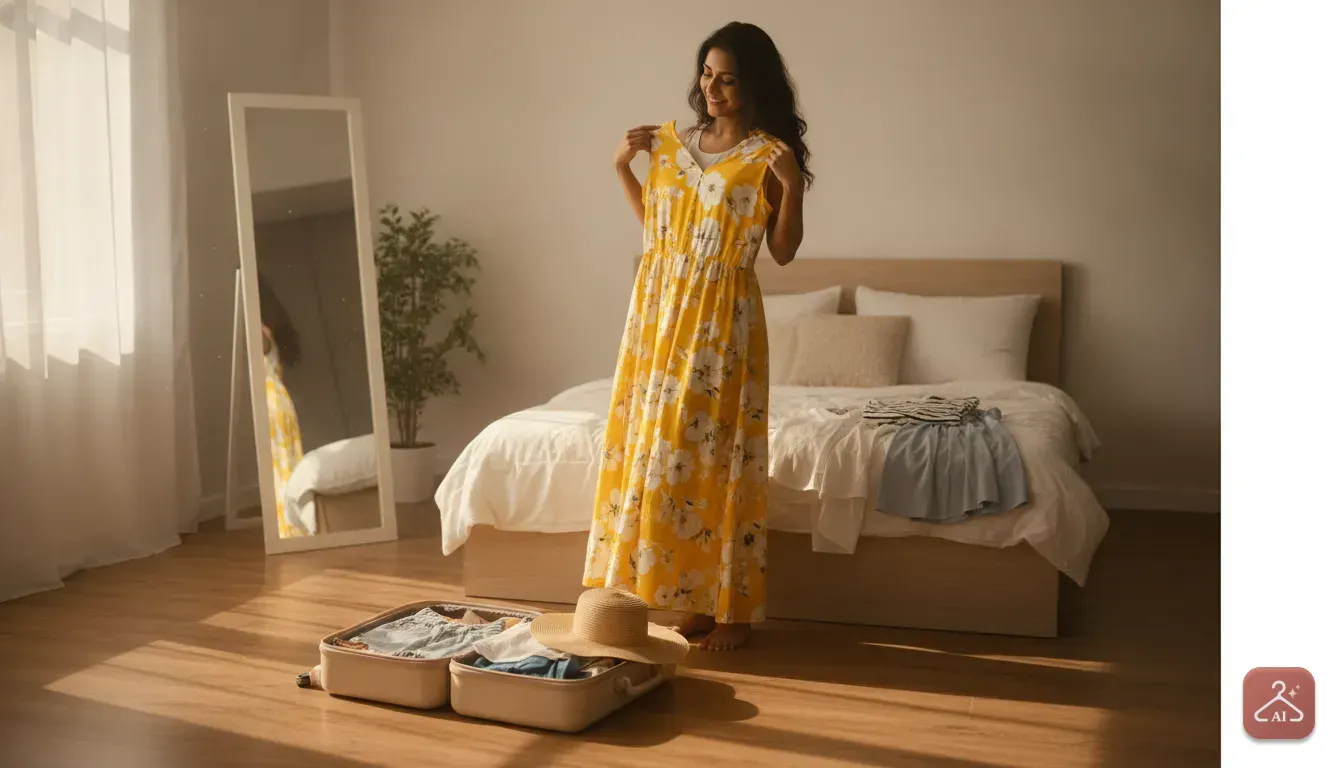
Packing for a holiday usually goes one of two ways. You either cram everything into a suitcase and pay overweight fees, or you pack too little and buy clothes you don't actually want at a tourist trap. Figuring out your outfits gets stressful when you aren't sure what will look good in a new climate.
Here is exactly How to Plan Your Vacation Wardrobe Using an AI Outfit Changer App. Instead of guessing if a floral maxi dress or a neon co-ord set suits your shape, you can see it on your own body before buying or packing it.
You just need a photo of yourself and a picture of the clothes. We'll show you how to save luggage space and money by packing only what actually works.
Start by mapping out your itinerary
Before you even look at clothes online, figure out exactly what you'll be doing. We see people constantly pack for a fantasy trip instead of reality.
If you're heading to Goa or Bali, you might think you need five different bikinis. But if your days actually involve temple visits, scooter rides and local markets, those beach outfits will stay folded in your bag.
Open a note on your phone and jot down a rough daily plan. Break it into daytime activities and evening plans, and write the type of outfit you'll need next to each. For example:
- Day 1: Airport travel (Comfortable joggers, oversized t-shirt). Evening dinner (Smart casual dress).
- Day 2: Beach and pool (Swimwear, light cover-up, sandals). Night market (Cotton shorts, breathable top).
- Day 3: City walking tour (Comfortable jeans, cotton shirt, walking shoes). Fine dining (Party dress or jumpsuit).
This list becomes your blueprint. It tells you exactly how many outfits you really need. It stops you from randomly buying pieces you have no actual occasion for.
Build a digital mood board of outfits
With your list ready, start shopping your own closet and browsing online stores. Go through apps like Myntra, Meesho or Ajio and take screenshots of looks you like. Pay close attention to the fabric.
Look for cotton and linen for humid spots, or easy layers for colder climates. Don't just save full outfits. Grab screenshots of individual tops, trousers, skirts and jackets.
Dump all these images into a dedicated folder on your phone. You're just gathering ideas right now, so don't buy anything yet.
How to test outfits on yourself digitally
This is where the real planning happens. You have a folder full of saved items, but will that backless dress actually look good on you? You can find out in seconds using Outfit Gen AI.
Our app includes an Outfit Swap feature that lets you try on any garment virtually. We've found a specific routine works best to get the most accurate results. Here is the exact process:
Step 1: Take a good reference photo
The AI needs a clear picture of you to work well. Stand facing a window so natural light hits your face and body evenly. Wear form-fitting clothes like a plain tank top and leggings so the app understands your shape.
Tie your hair back if you plan to test interesting necklines. Make sure your hands aren't blocking your body.
Step 2: Upload your screenshot
Open Outfit Gen AI and upload your reference photo. Then upload the screenshot of the vacation outfit you saved earlier. The app handles a huge variety of styles, from western party wear to heavy ethnic looks.
Step 3: Review the generated image
Within seconds, the app will generate a photo of you wearing the exact outfit. Look closely at the result. Does the colour wash you out, or does the cut flatter your shoulders?
If the original screenshot was low quality, the result might be slightly blurry. You can use the one-tap 4K Upscale feature in the app to make it sharp and clear. This helps you see exactly how specific fabric patterns will look on your frame.
Mix and match basics to save luggage space
A smart vacation wardrobe relies on mixing and matching. You don't need a completely new outfit for every single day.
You can wear the same denim shorts with three different tops, or use a button-down shirt as a beach cover-up and a light jacket at night. Use the AI app to test these combinations.
Take a photo of yourself wearing your favourite jeans, then swap the top half with different shirts you might pack. This visual proof helps you build a tight capsule wardrobe. If you see a specific skirt only works with one top, leave it at home.
If you are shopping for new pieces, checking them digitally is the best way to see clothes on yourself online to avoid shopping returns.
Planning for destination weddings
Packing becomes much more complicated if your vacation includes a destination wedding. Ethnic wear like heavy lehengas, sarees and embroidered kurtas eat up massive amounts of luggage space.
They are also heavy enough to easily push your suitcase over the airline weight limit. You cannot afford to pack a heavy wedding outfit just as a backup. You need to be completely sure about your choice.
Use Outfit Swap to test different sarees and lehengas directly from your phone. You might find that a lighter, printed organza saree looks just as striking on you as a heavy silk one. This saves you both luggage space and physical discomfort in a warm climate.
Check your colours against the scenery
People often forget how their clothes will actually look against the backdrop of their destination. If you travel to a lush green hill station in green and brown clothes, you'll blend right into the trees in your photos.
Meanwhile, a bright pop of red or yellow creates stunning visual contrast against stark white and blue buildings in Santorini. You can test this easily using the AI Edit feature in Outfit Gen AI.
Once you generate a photo of yourself in an outfit, use the AI Edit tool to change the background. Just type a description in your own words, like "a sunny beach with white sand" or "a busy street in Paris at night".
The app will instantly place you in that setting. This gives you a highly accurate preview of your final holiday photos before you even step on a plane.
Preview your evening and party looks
Evening wear can be tricky to pack. You want to look dressed up, but you still need to walk comfortably around a new city or dance at a beach club. Focus on fabrics that don't wrinkle easily, like chiffon or certain synthetic blends.
Make sure to test it virtually if you're buying a new dress for a special holiday dinner. You can learn more about finding the perfect fit in our guide on how to use an AI dress changer app for western party outfits.
Seeing the dress on your own body reveals if you need to pack shapewear or specific undergarments. We find these are the easiest things to forget until you're actually dressing up in your hotel room.
Finalise your packing checklist
Once you've run your potential outfits through the AI app, it's time to be ruthless. Delete the screenshots of outfits that didn't flatter you. Only pack the items that made you feel totally confident in the generated photos.
Create a final photo album on your phone called "Vacation Wardrobe". Save the AI-generated photos of your approved outfits right there. When it's time to pack your suitcase, open this album and use it as a visual checklist.
Just pack the exact items shown in your photos. When you arrive at your destination, you won't waste time deciding what to wear each morning. You can just open your phone, pick an outfit from the album and head straight out.
Frequently asked questions
Can I try on clothes from any online store?
Yes. You just need to take a screenshot of the outfit from the store's app or website. You can upload that screenshot into the AI app to see it on yourself.
What kind of photo works best for an AI outfit changer?
Use a well-lit photo where you are facing forward. Wear tight or form-fitting clothes like a tank top and leggings so the AI can accurately detect your body shape and apply the new clothes naturally.
Is my photo safe when using these apps?
Yes, Outfit Gen AI is safe by design. Every generated image passes an automatic safety check before it is shown to you, ensuring a secure and private experience.
Can I use this app to test heavy ethnic wear like sarees?
Absolutely. The app handles a huge variety of clothing styles, including complex drapes like sarees, heavy lehengas, and kurtas, making it perfect for planning destination wedding outfits.

Try it yourself
Outfit Gen AI
See yourself in any outfit before you buy it.