How to See How a Lehenga Looks on You Before Buying Online
Stop guessing your size and style. Learn exactly how to preview that beautiful lehenga on your own photo before you spend any money.
 DevForge Studio
7 min read
You found the perfect lehenga on Instagram or Myntra. The embroidery looks intricate and the price fits your budget. But you hesitate before hitting the buy button.
Will that pastel peach wash out your skin tone? Does a high-neck blouse actually flatter your shoulders?
Buying ethnic wear online is a big financial commitment. Plus, packing up a heavy skirt for a return is an absolute hassle.
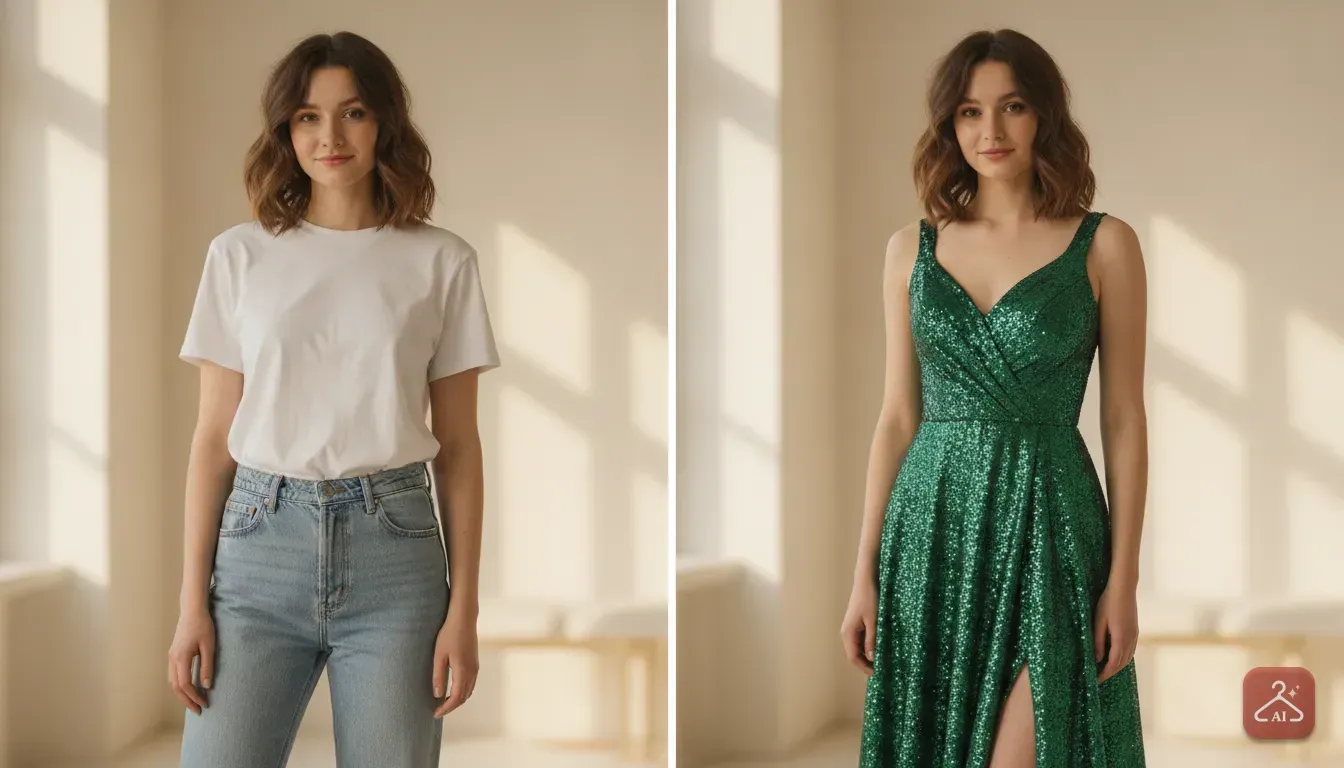
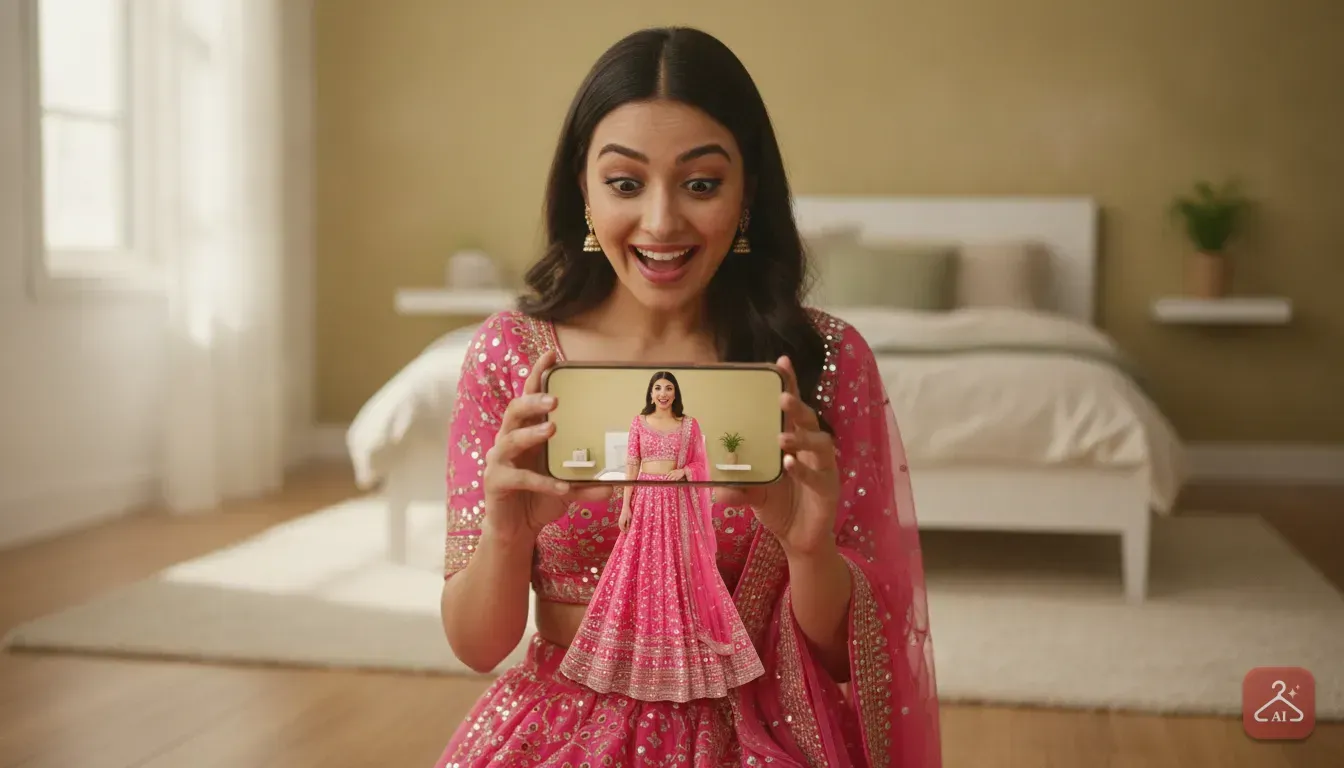
You can now see exactly how a lehenga looks on you before buying online using AI virtual try-on tools. You just upload a picture of yourself and a picture of the dress. The app maps the outfit onto your body and skin tone.
We'll show you exactly how to do this. We'll also cover the best photo types and details to check so you can order your next festival outfit with total confidence.
Why buying ethnic wear online is tricky
Lehengas aren't like oversized t-shirts. They are structured, heavy, and rely entirely on strict fit and proportion.
When you look at a model on a shopping app, you see a garment heavily pinned at the back. It's lit by professional studio lights and worn by someone with a completely different body shape.
Here are the main things that usually go wrong when you buy blindly.
- Skin tone mismatch: A bright mustard yellow might look vibrant on the model but clash with your undertones. Silver zari work also reacts very differently from gold when held against real skin.
- Silhouette issues: Stiff fabrics like organza add immediate bulk to your lower half. If you're petite, a fluffy skirt might overwhelm your frame while a flowy georgette would elongate it.
- Blouse cuts: Sweetheart necklines, halter necks, and deep V-necks pull focus to different parts of your torso. It's incredibly hard to guess which one flatters you without trying it on.
How to see how a lehenga looks on you before buying online
The fastest way to test an outfit is using an AI clothes changer. You just upload a photo of the outfit and a photo of yourself. The app then blends them together to show you wearing the garment.
We built our own tool for this called Outfit Gen AI. We wanted a simple way for shoppers to preview ethnic wear and party dresses straight from the couch. Here is the exact step-by-step process to test your next purchase.
Step 1: Save a clear photo of the lehenga
First, you need an image of the outfit. If you shop on Myntra, Ajio, or Meesho, simply save the clearest product photo. Look for an image where the model stands straight and faces the camera.
If you buy from an Instagram boutique, take a screenshot of their post. Boutique photos often have cluttered backgrounds or heavy text over the image.
In Outfit Gen AI, you can use the Extract Outfit feature to clean up the photo. This turns a messy screenshot into a clean product image. It really helps the AI map the shape of the dress correctly.
Step 2: Take a good base photo of yourself
The AI needs a clear view of your body to drape the lehenga correctly. Have a friend take a photo of you standing straight, or set your phone timer. Don't use selfies taken from high or low angles because they distort your real proportions.
Wear fitted clothing like a tank top and tight leggings. If you wear a baggy jumper in your base photo, the AI tries fitting the lehenga over that bulky shape. This always gives you an inaccurate preview.
Step 3: Run the virtual outfit swap
Open the app and select the Outfit Swap feature. Upload your base photo and the lehenga photo. In a few seconds, the app generates an image of you wearing the outfit.
If you want to zoom in and check the heavy embroidery, tap the 4K Upscale button. This makes the final image incredibly sharp.
If you want to read more about testing other garment types, check out our broader guide on trying on clothes virtually.
Details to check in your virtual preview
Once you have the preview image, don't just look at the overall vibe. Look at the specific details. These determine if you'll actually wear the outfit to that upcoming wedding.
First, check the colour contrast. Does the fabric shade brighten your face, or does it make you look exhausted?
Pay close attention to the metallic work as well. Copper, gold, and silver threads all interact differently with warm and cool skin tones.
Next, evaluate the neckline. If you have broad shoulders, a wide boat neck might make them look wider. A V-neck usually balances them out nicely.
See exactly where the blouse ends and the skirt begins. This gap determines how much of your midriff remains visible. If the skirt sits too low in the preview, check the product description to see if the waistband is adjustable.
Finally, look at the dupatta drape. Most online photos show it styled in a highly specific, pinned way.
If the dupatta looks stiff in the AI preview, it's likely made of a rigid material like net or heavy silk. Those fabrics can be incredibly hard to pin and carry all night.
Tips for taking the best photo of yourself
Your virtual preview quality depends completely on the base photo you upload. Follow these simple rules for the best results.
- Tie your hair back: If you leave your hair down over your shoulders, the AI struggles to generate the blouse neckline accurately. Put your hair in a tight bun or ponytail. You can easily imagine your preferred hairstyle later.
- Stand against a plain wall: A messy bedroom background confuses the AI. Stand in front of a plain white or light-coloured wall. This keeps your body outline very crisp.
- Use natural light: Stand facing a window during the day. Good natural lighting ensures your skin tone is captured accurately. Dim yellow room lights alter your skin tone and make it harder to judge the lehenga's actual colour.
- Keep your arms slightly away from your body: Don't cross your arms or press them tightly against your waist. Leave a little space between your arms and your torso. This gap helps the app map the blouse and waistline perfectly.
Other ways to check the fit before buying
While AI is fantastic for visualizing the outfit on your body, you still need traditional shopping habits. These checks make sure the physical garment fits your actual measurements.
Find real customer photos
Brand photos are always heavily edited. Scroll down to the reviews section on Myntra or Meesho. Look specifically for photos uploaded by real buyers.
This shows you the true fabric colour under normal room lighting. You'll also see how the skirt falls on average body types without professional pinning and clever styling.
Use the tape measure trick
Never rely on generic terms like Medium or Large. Always check the exact inch measurements provided by the seller.
Grab a soft measuring tape. Measure your bust, your natural waist (the narrowest part of your torso), and your lower waist (where you plan to tie the skirt).
Compare these numbers to the size chart. If you fall between sizes, always buy the larger option. It's much easier for a local tailor to take a blouse in than to let it out.
Check the fabric description
The material tells you exactly how the outfit will behave. Raw silk holds a wide, stiff umbrella shape. Georgette and chiffon cling to the legs and flow smoothly.
Velvet is warm and heavy. It's great for winter weddings but terrible for a sticky summer event. Always read the fabric details before making your final decision.
Are you an Instagram seller or boutique owner?
We know creating beautiful product photos is just as hard as buying clothes. If you run a small clothing business, you know buyers hesitate to purchase flat-lay garments. They want to see the lehenga on a real person, not a plastic mannequin.
Hiring a model, renting a studio, and paying a photographer is incredibly expensive. You can use Outfit Gen AI to solve this exact problem.
Our Model Photoshoot feature lets sellers upload a basic garment photo and pick an AI model that matches their target customer. You get a professional, styled catalogue shot in minutes.
Good photos show exactly how the fabric drapes on a real-looking person. When buyers see this, they make much faster, more confident purchasing decisions.
Make your next online purchase a confident one
Buying a beautiful ethnic outfit should be exciting, not deeply stressful. You no longer have to cross your fingers and pray. You don't have to just hope the dress looks as good in reality as it does on your screen.
Take a few minutes today to test this out. Go to your saved items on your favourite shopping app and screenshot a lehenga you've been eyeing.
Upload it to our outfit swap tool. Seeing the colour against your skin and the cut on your body tells you instantly if it belongs in your wardrobe. If it doesn't, just keep browsing.
Frequently asked questions
Can I try on a lehenga from an Instagram store?
Yes. Just take a screenshot of the lehenga from their feed or stories. You can upload this screenshot and a photo of yourself into an AI outfit swap tool to see the fit.
Do I need to be wearing ethnic clothes in my base photo?
No, it is actually better to wear fitted western clothes like a tank top and leggings. This gives the AI a clear view of your body shape to drape the lehenga accurately.
How do I know if the heavy embroidery will suit me?
A virtual preview helps you see the scale of the embroidery against your frame. Large, heavy motifs often look best on taller frames, while delicate work flatters shorter body types.
Can small boutique owners use AI to show how a lehenga looks?
Absolutely. Sellers can use an AI model photoshoot feature to place flat-lay lehengas onto AI models, giving buyers a realistic look at the drape without paying for a studio.
Try it yourself
Outfit Gen AI
See yourself in any outfit before you buy it.