Aesthetic Photo Edit Ideas for Your Next Instagram Photo Dump
Transform your random camera roll snaps into a cohesive, trendy Instagram carousel with these easy photo edit ideas and AI styles.
 DevForge Studio
7 min read
Nailing an Instagram carousel often feels like a puzzle. You want the post to look casual, but making ten images flow perfectly takes real planning. If you're tired of random pictures that clash visually, we have a few aesthetic photo edit ideas for your next Instagram photo dump to fix exactly that.
The trick is picking one visual theme. Applying it across all your images ties a chaotic mix of selfies, food snaps, and blurry night shots into a single story. We've found that consistency beats perfection every time.
We're going to show you how to recreate four popular looks using manual tweaks and easy AI prompts. Let's get your camera roll ready to post.
How to Structure Your Instagram Carousel
Before you start editing, you need the right raw materials. A common mistake we see is picking ten photos that are way too similar. Ten selfies in a row gets boring fast.
Ten landscape shots feels like a travel brochure. The best carousels actually rely on a mix of textures and subjects. When gathering photos for your next post, try including a variety of these shots:
- The Hook: Your first photo needs to grab attention. This is usually a sharp, clear picture of yourself in a great outfit or an interesting spot.
- The Vibe Shot: A close-up of something you ate or a half-empty coffee cup sets the mood. It gives people a sense of your day.
- The Candid: Add a blurry or laughing photo where you aren't looking at the lens. This brings that required casual energy.
- The Environment: A wide shot of the street, sky, or your room gives followers a sense of place.
- The Closer: Finish with something funny, obscure, or a nice wrap-up shot of your face.
Once you pick six to ten photos using this mix, the next step is making them match. This is where your chosen aesthetic comes into play.
Aesthetic 1: The Nostalgic Vintage Film Look
The 90s film camera look never really goes out of style. It brings a warm, nostalgic feeling that makes even a boring street sign look interesting. This style relies heavily on warm colour temperatures, slight green shadows, and plenty of film grain.
If you're editing manually in your phone's default app, try these settings. Drop your contrast by about fifteen percent to make the shadows look faded. Increase the warmth slider to give everything a slight yellow glow.
Finally, push the film grain setting up high. If your app has a tint slider, move it slightly toward the green side.
You can also skip the manual sliders and use AI to apply this exact style. Just type a prompt to generate this specific mood. Here are a few prompts you can copy:
- "A vintage film photograph from the 90s, high grain, disposable camera flash style, candid night time shot, slight light leak on the edge."
- "Soft 35mm film aesthetic, warm retro colour grading, slight blur, casual street photography style."
- "Polaroid camera style photo, faded colours, heavy texture, warm sunlight hitting the subject."
Aesthetic 2: The "Paris Afternoon" Cafe Core
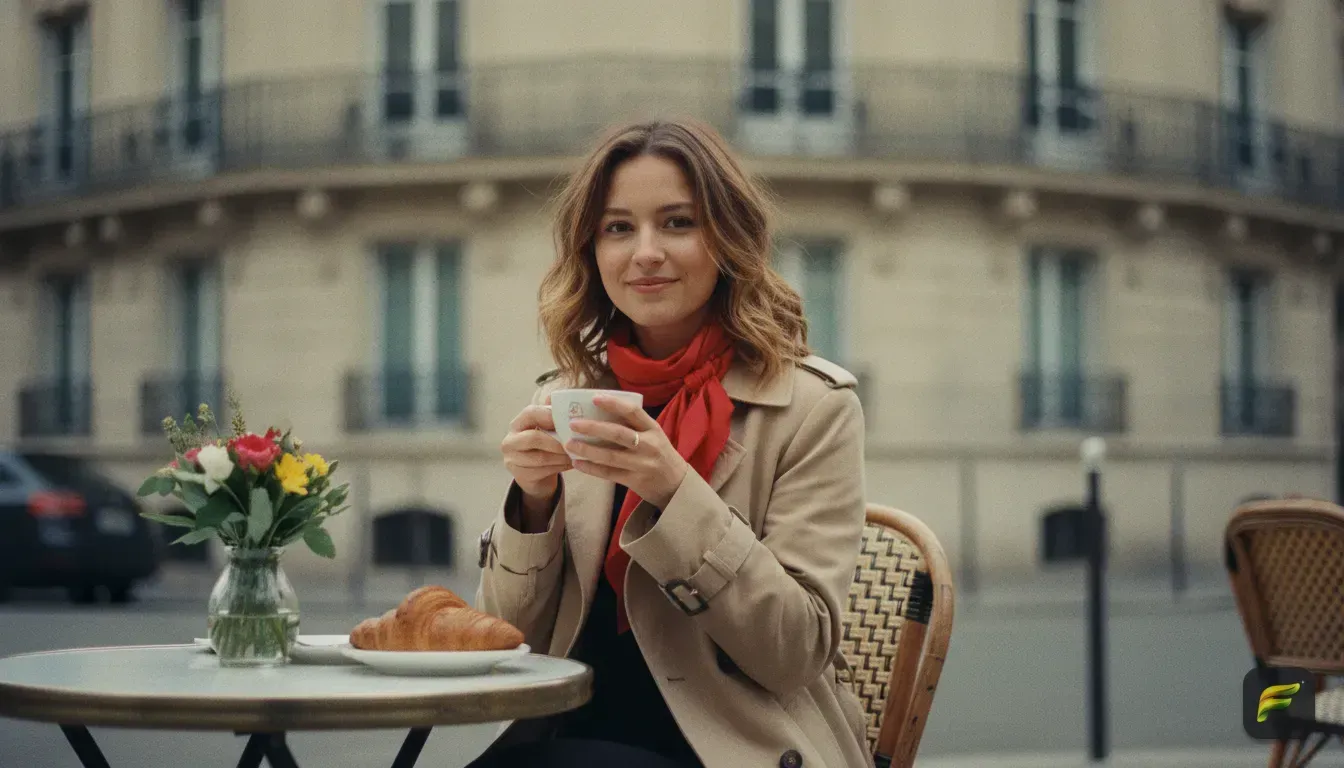
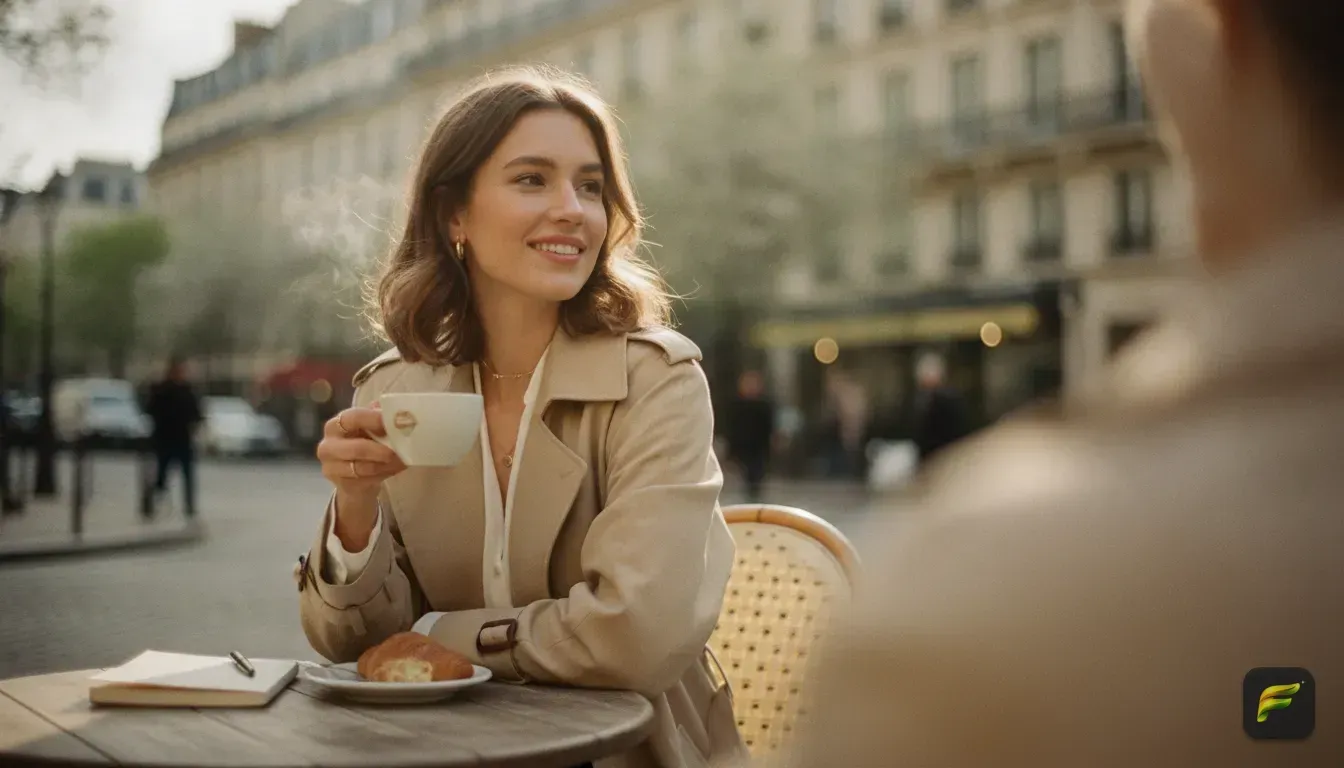
Sometimes you want your photo dump to feel romantic, cosy, and European. The "Paris Afternoon" aesthetic is incredibly popular right now. It makes your post look like you just spent the day reading in a quiet cafe.
It focuses on neutral tones like beige, cream, and brown. You'll want to pair these colours with soft, directional sunlight.
To get this look manually, soften your highlights so the light doesn't look harsh. Lower your saturation just a bit to calm down any bright neon background colours. We usually aim for an overall image that feels soft and muted.
To make this much easier, we built a specific feature for this in our app, Fotorra AI. It has a curated template called 'Paris Afternoon'. You just upload your photo and tap the template.
The AI transforms your image to have that warm, sun-drenched European feel instantly. Best of all, it keeps your actual face looking completely natural. It's the absolute fastest way to unify all the photos in your dump.
If you want to learn more about the specifics of this style, check out our guide on how to get the Paris aesthetic photo look.
Getting the Best Results from AI Photo Apps
If you're using AI to edit photos, the result is only as good as your input. We see people struggle because they upload photos that are too dark or far away. To get the best edits for your carousel, follow a few simple rules when picking a base photo.
First, choose a photo where your face is well lit. Natural daylight coming from a window is always best. Avoid harsh shadows that cut across your nose or eyes.
Second, make sure your face is clearly visible. If you're wearing large sunglasses, a low hat, or a mask, the AI struggles to understand your features. It might warp your face or give you someone else's eyes entirely.
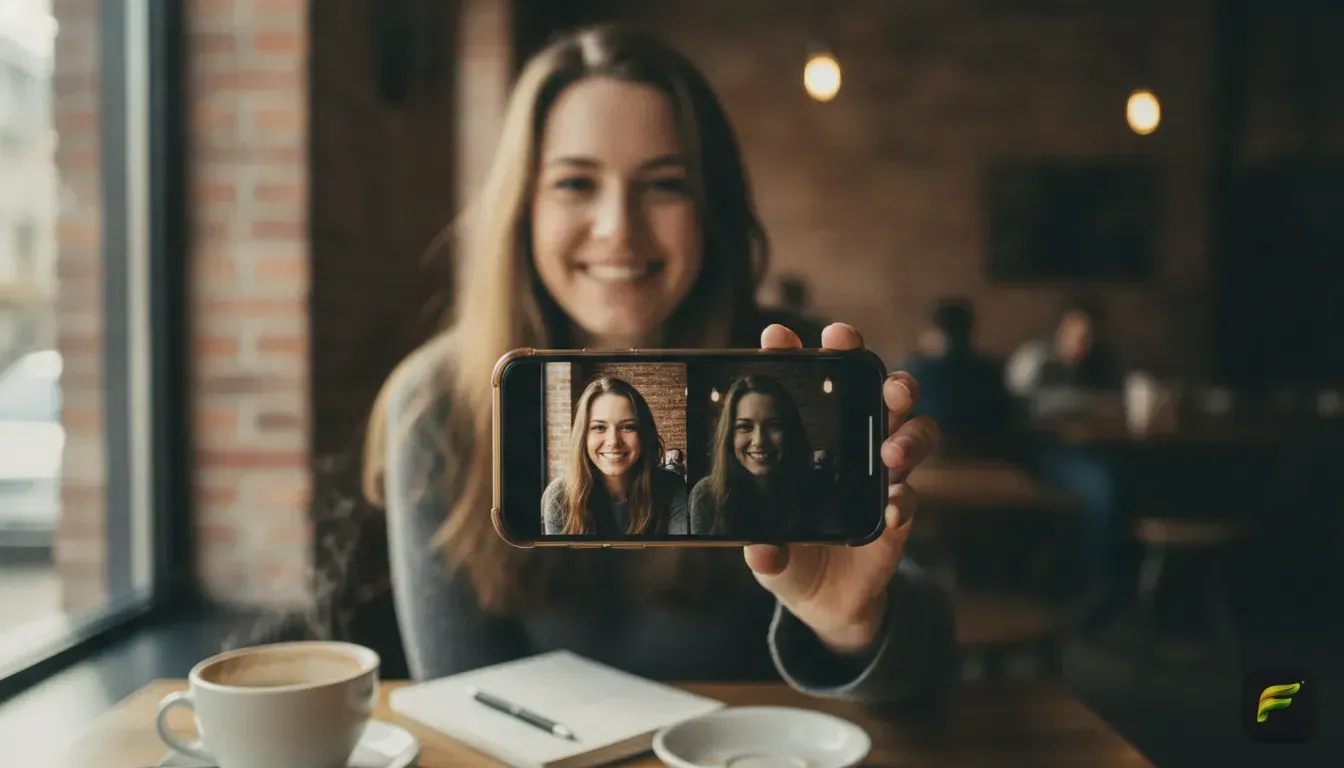
Look straight at the camera or at a slight angle. Keep your expression natural. When you upload a clean photo to an app like Fotorra AI, it easily learns your face.
This means you can apply wild filters, change backgrounds, or swap outfits. The final picture will still look exactly like you.
Aesthetic 3: The Cinematic Studio Vibe
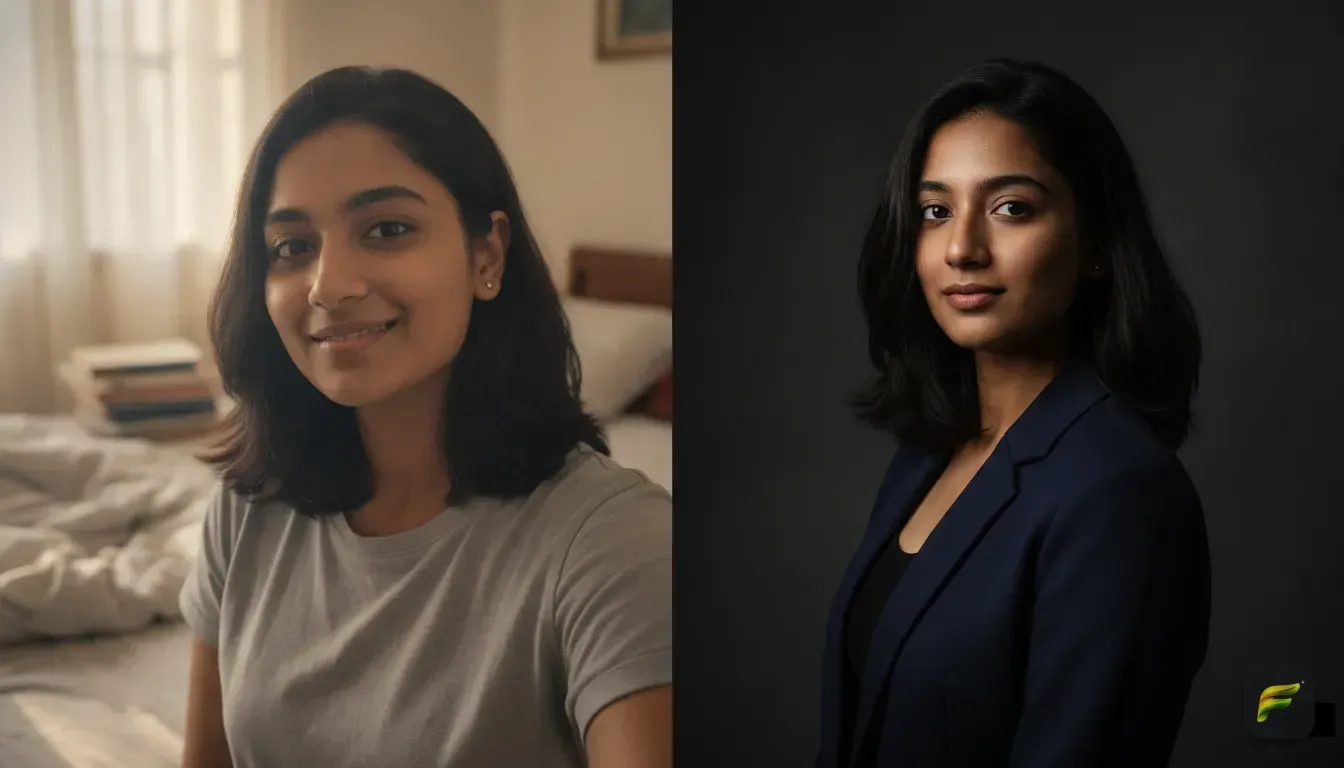
If you want a moodier look for your carousel, the cinematic aesthetic is the way to go. This style mimics a high-budget movie. It uses deep shadows, high contrast, and usually a blurred background that makes you stand out perfectly.
To create this manually, drop your exposure slightly and increase your contrast. You want the dark parts of your image to look pitch black. You can also play with the cool temperature slider.
This gives your photos a moody blue or green tint, which looks incredible for night-out pictures. Using custom AI prompts is highly effective here, since the AI can actually alter the lighting in your photo after you took it. Try these prompts for a cinematic edit:
- "Cinematic portrait shot on 85mm lens, moody dramatic lighting, blurred neon city background at night, teal and orange colour grading."
- "High contrast studio photography, dark background, single spotlight on the subject, dramatic shadows."
- "Cinematic movie still, cold blue tones, foggy street background, soft focus on the edges."
Aesthetic 4: Experimental Fashion and Style Changes
A great photo dump always has a consistent colour palette. But what if your favourite picture features you wearing a bright red shirt? If the rest of your dump is entirely cool blue tones, they'll clash badly.
Instead of throwing away a great picture, just change your outfit. Using AI to change clothes is incredibly helpful for building a cohesive grid.
In Fotorra AI, you can use the custom prompt feature to describe exactly what you want to wear. Simply type "wearing a chunky knit beige sweater" or "wearing a black leather jacket". The app updates your outfit in seconds.
It won't mess with your face or the background. This lets you force your photos to match. If you're going for a vintage theme, prompt the AI to dress you in 90s streetwear.
If you're doing the cafe core theme, switch your t-shirt to a classic trench coat. You can even train the AI on specific looks you prefer. To learn more about making your entire grid match, read our tutorial on how to train AI image styles.
Time to Assemble Your Photos
Now that you have your visual theme picked out, it's time to put it all together. Pick your favourite aesthetic from the list above. Apply it to your six to ten chosen photos.
Keep an eye on your brightness and colour tones to ensure everything matches nicely. Arrange your cover photo first, drop your detail shots in the middle, and finish with a fun candid picture. Save the edits to your phone.
Your next carousel is ready to go live.
Frequently asked questions
How many photos should be in an Instagram dump?
A typical Instagram photo dump contains between six and ten photos. This gives you enough room to mix selfies, landscape shots, and small details without losing the viewer's attention.
How do I make my photo dump look aesthetic?
The easiest way to make a photo dump look aesthetic is to apply the exact same editing style or filter to all the photos. Consistency in colour grading, grain, and contrast ties random photos together.
Can AI change my outfit in a photo but keep my face?
Yes, apps like Fotorra AI allow you to change your clothing using custom prompts while preserving your exact facial features. This is useful for matching your outfit to the colour theme of your Instagram post.
What is the cafe core photo aesthetic?
Cafe core is a popular photo style that uses warm, neutral tones like beige and brown. It mimics the cosy, romantic feeling of reading in a European coffee shop on a sunny afternoon.

Try it yourself
Fotorra AI
Transform photos instantly with AI.