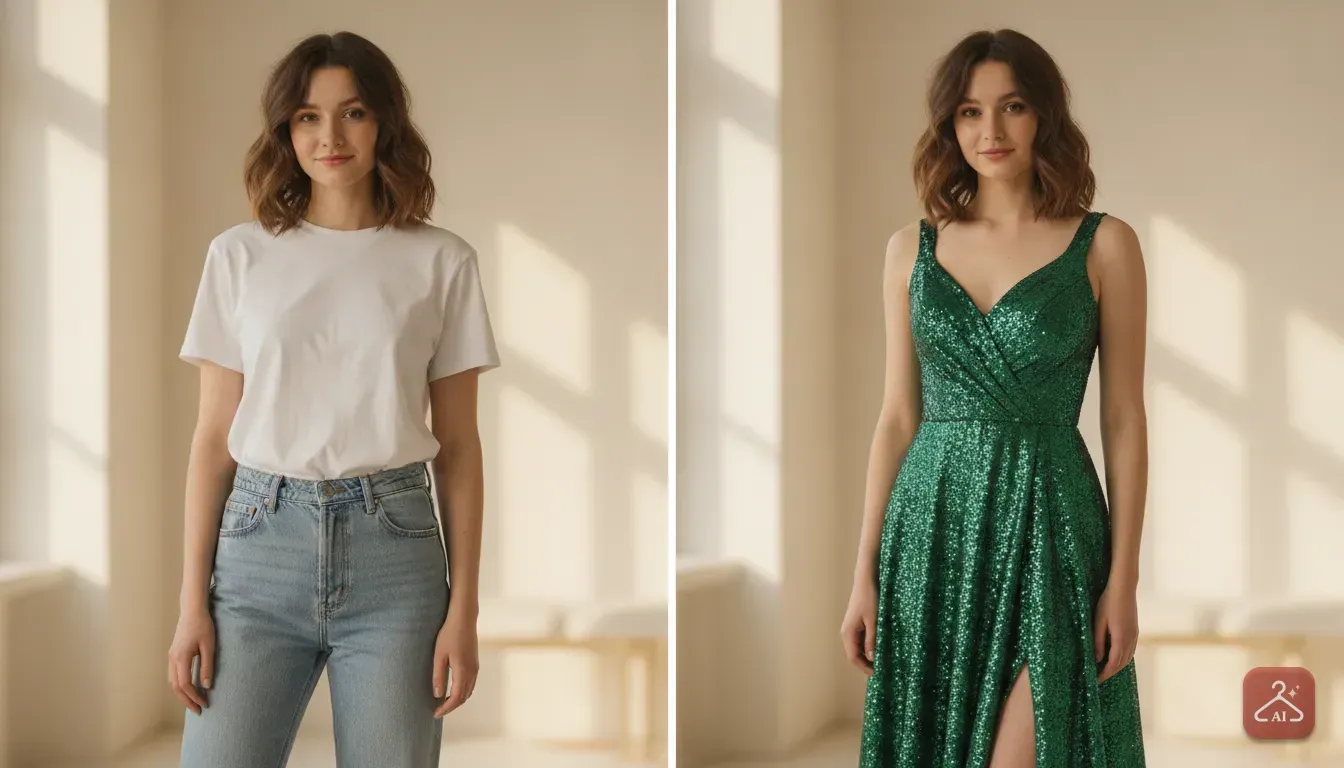
5 Saree Draping Styles You Can Try Virtually With AI
Not sure if a dhoti drape or a belted saree suits your body type? Learn how to test different saree styles on your own photo using AI before you buy.
 DevForge Studio
7 min read
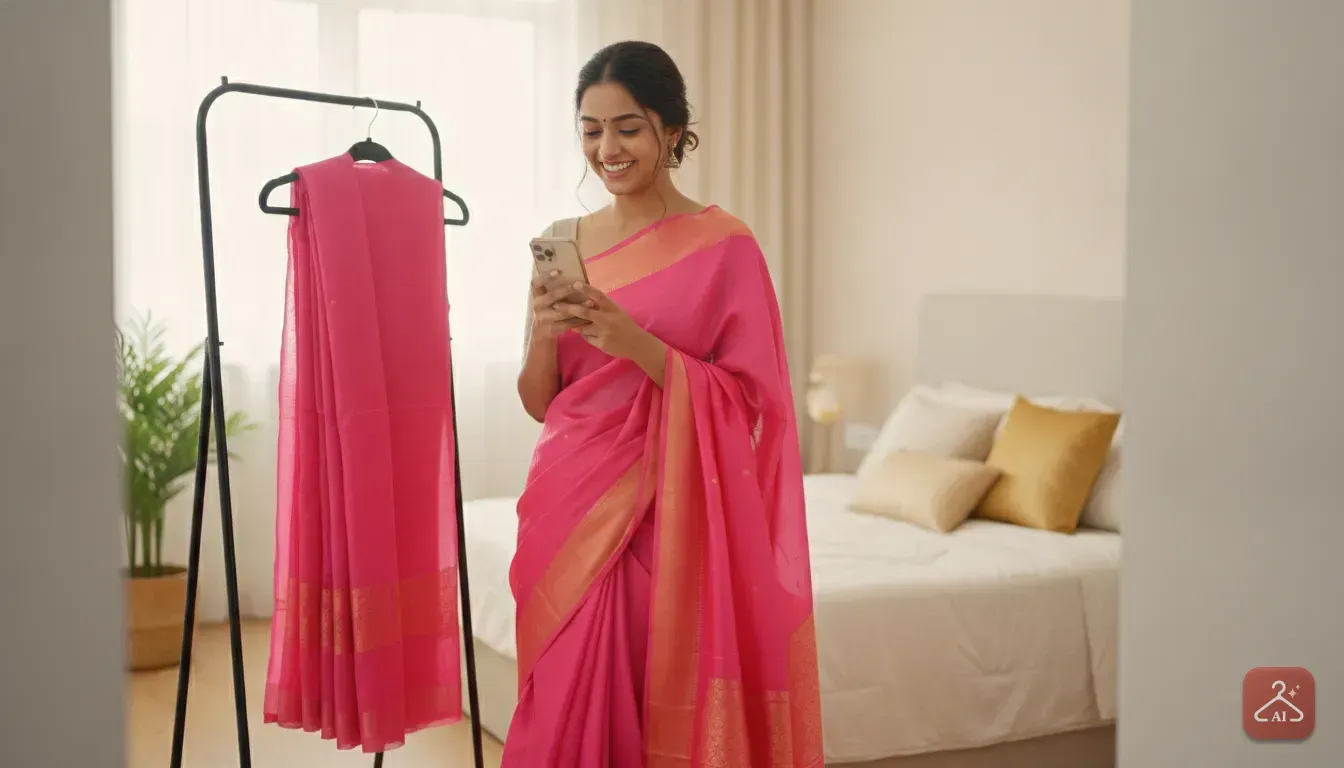
You've got a wedding or festival coming up, and you want to wear a saree. But you aren't sure which drape actually suits you.
Maybe you saw a Pinterest photo of a belted drape or an edgy dhoti style, and you're wondering if it works for your body type. Instead of buying the fabric and fighting with safety pins in front of a mirror for hours, you can test these looks directly on your phone.
Testing saree draping styles you can try virtually with AI requires just a front-facing photo of yourself and a reference image. The app maps the reference outfit onto your body shape, showing exactly how the pleats sit on your waist. This removes the guesswork from online shopping and helps you pick the right fabric.
Why You Should Test Saree Drapes Before Buying
Draping a saree takes time, patience, and usually a lot of paused YouTube tutorials. You won't know if a new style works until you've spent thirty minutes tucking and pinning.
When you shop online on Myntra, Ajio, or Meesho, the saree looks perfect on the model. Stylists use hidden clamps and pins to make them look flawless on camera. But your body shape and posture are different.
A heavy Banarasi silk draped in a classic Nivi style might look regal on a tall model but feel overwhelming if you're petite. Similarly, a sheer chiffon saree in a modern pant style looks amazing in a catalogue. You might just wonder if you own the right top to pair with it.
If you try on clothes virtually before buying online, you save yourself the hassle of returns. You can test bold colours, unusual blouse cuts, and modern draping techniques without spending a rupee on clothes you'll never wear. It just makes shopping easier.
5 Saree Draping Styles to Test Virtually
Before you run a photo through an AI tool, you need to know which styles to test. Here are five popular saree draping styles that look dramatically different from one another.
1. The Classic Nivi Drape
The Nivi drape is the most common way to wear a saree in India. You tuck the pleats into the centre of your waist and drape the pallu over your left shoulder. It's universally flattering, but the final look really depends on the fabric.
A stiff cotton saree gives you structure and volume. Meanwhile, a georgette saree clings to your curves.
Virtual try-on tip: Use a reference photo where the model stands straight facing the camera. We find this helps the AI understand the exact placement of those front pleats.
2. The Modern Belted Saree
Adding a belt completely changes a saree's silhouette. You drape it normally, usually in the Nivi style, and then add a belt around your natural waist. This cinches the fabric and keeps the pallu securely in place.
You'll get a defined hourglass shape. You can use a traditional metal kamarbandh for weddings or a sleek leather belt for a cocktail party.
Virtual try-on tip: Find a reference image with a belt in a contrasting colour. This makes it much easier to see how the belt breaks up the saree's pattern.
3. The Dhoti Style Drape
If you want to skip the petticoat, the dhoti style is a great alternative. You wear leggings or fitted pants underneath, tucking and pleating the saree to resemble a traditional dhoti. The pallu still goes over your shoulder.
It's a fantastic, comfortable choice for winter weddings. You'll especially love it for Sangeet nights when you actually want to dance freely.
Virtual try-on tip: Ensure your base photo shows your full body because this drape relies on visible legs. The AI needs to see your leg positioning to accurately map the dhoti pleats.
4. The Bengali Athpourey Drape
The traditional Bengali drape doesn't use standard front pleats. Instead, you bring the pallu from the back to the front over both shoulders. It's a rich, cultural look that works best with wide-bordered cotton or silk sarees.
Keep in mind that covering both shoulders can make your upper body look broader.
Virtual try-on tip: We highly recommend testing this virtually if you have broad shoulders and aren't sure it will flatter you. Look for a reference image with a crisp white and red saree for an authentic preview.
5. The Pant Style Saree
This fusion look drapes the saree over tailored trousers or jeans instead of a skirt. You typically wear a stylish crop top or a structured blazer as a blouse. The fabric is pleated thinly and draped closely to the body.
It's perfect for office parties or modern receptions.
Virtual try-on tip: Find a reference photo using a solid colour saree without heavy embroidery. We've noticed solid colours map very cleanly in AI tools. They'll give you a realistic idea of the trouser-to-saree proportion.
How Fabric Changes the Drape
When looking for reference photos, pay close attention to the fabric. The AI will replicate the texture and weight of the material in the image you provide.
- Silk and Banarasi: These fabrics are stiff. They create wide, visible pleats and stand slightly away from the body.
- Chiffon and Georgette: These are lightweight and fluid. They drape closely to the skin and create a very slimming effect.
- Organza: Organza holds its shape aggressively. It balloons out and creates a voluminous silhouette.
- Cotton: Cotton is breathable but needs heavy starching to stay in place. It offers a very crisp, formal appearance.
If you want to see how a lehenga looks on you or a saree, matching the fabric texture is key. Choosing a reference image with the right material makes the final AI image much more realistic.
How to Preview Saree Drapes Online
You don't need strong technical skills to test these outfits. Using our app, Outfit Gen AI, you can see yourself in any drape in just a few taps. Here are the exact steps.
Step 1: Take the Right Base Photo
The AI needs a clear view of your body to drape the digital clothes properly. Stand against a plain wall in a well-lit room. Wear fitted clothing, like a tank top and leggings.
Baggy clothes in your base photo will just make the AI saree look bulky. Make sure your arms rest slightly away from your sides. This helps the app clearly define your waistline.
Step 2: Save Your Reference Images
Go to Pinterest, Instagram, or your favourite online shopping app. Save a few photos of models wearing the saree styles you want to try. Make sure the model in the reference photo stands in a pose similar to yours.
If you're standing straight, don't use a reference photo of a model sitting down or twirling. It confuses the mapping.
Step 3: Use the Outfit Swap Feature
Open Outfit Gen AI and select the Outfit Swap tool. Upload your base photo first, then upload your saree reference photo. Tap generate, and wait a few seconds.
The app replaces your current clothes with the saree from the reference photo. It matches your skin tone and body shape perfectly.
We built the app to be Safe by Design. Every AI image passes an automatic safety check before you see it. You can comfortably test deep blouse necklines or modern cuts without worrying about inappropriate results.
Step 4: Sharpen the Details
Sarees often have intricate zari work or fine embroidery. Sometimes, standard AI generation makes these tiny details look slightly soft. Once you have a result you like, use the app's 4K Upscale feature.
One tap turns your result into a sharp, high-resolution image. You'll clearly see the weave of the fabric and the border details.
A Quick Note for Clothing Sellers
If you run an online boutique on Instagram or sell ethnic wear on Meesho, you know flat lay photos rarely convert well. Shoppers want to see how a saree falls on a human body.
Hiring a model and a photographer for every new saree design gets expensive quickly. You can use the Model Photoshoot feature in Outfit Gen AI to fix this. Just take a good photo of your saree draped on a mannequin or laid flat.
Upload it to the app, pick an AI model that matches your target customer, and get a styled catalogue shot instantly. You can also use the AI Edit tool to change the background to a festive set or modern studio. This gives your store a professional look on a tiny budget.
Ready to Plan Your Next Festive Look?
Choosing the right saree style doesn't have to be a stressful guessing game. Testing different drapes and fabrics on your phone lets you shop online with confidence. You'll show up to your next event feeling completely comfortable.
Grab a few reference photos of styles you've always wanted to try. Upload them to Outfit Gen AI. Find out which drape works best for you today.
Frequently asked questions
Can AI show me how a specific saree drape will look on my body?
Yes. By uploading a photo of yourself and a reference photo of the drape you like, an AI outfit tool maps the saree style onto your body shape.
What type of photo works best for a virtual saree try-on?
A clear, front-facing photo where you are standing naturally with your arms slightly away from your body produces the most realistic result. Wearing fitted clothing in your base photo helps the AI map the new clothes accurately.
Can clothing sellers use AI to show different saree drapes?
Absolutely. Small boutique owners can take a photo of a saree and use an AI model photoshoot feature to show how it looks draped on a human model, saving money on expensive studio shoots.
Does the AI maintain the embroidery and details of the saree?
Modern AI tools do a great job of keeping patterns and embroidery intact. You can also use a 4K upscaler to make the fine zari work and fabric textures look incredibly sharp.

Try it yourself
Outfit Gen AI
See yourself in any outfit before you buy it.